



Module Price Range
The price shown as a range when variants differ in value
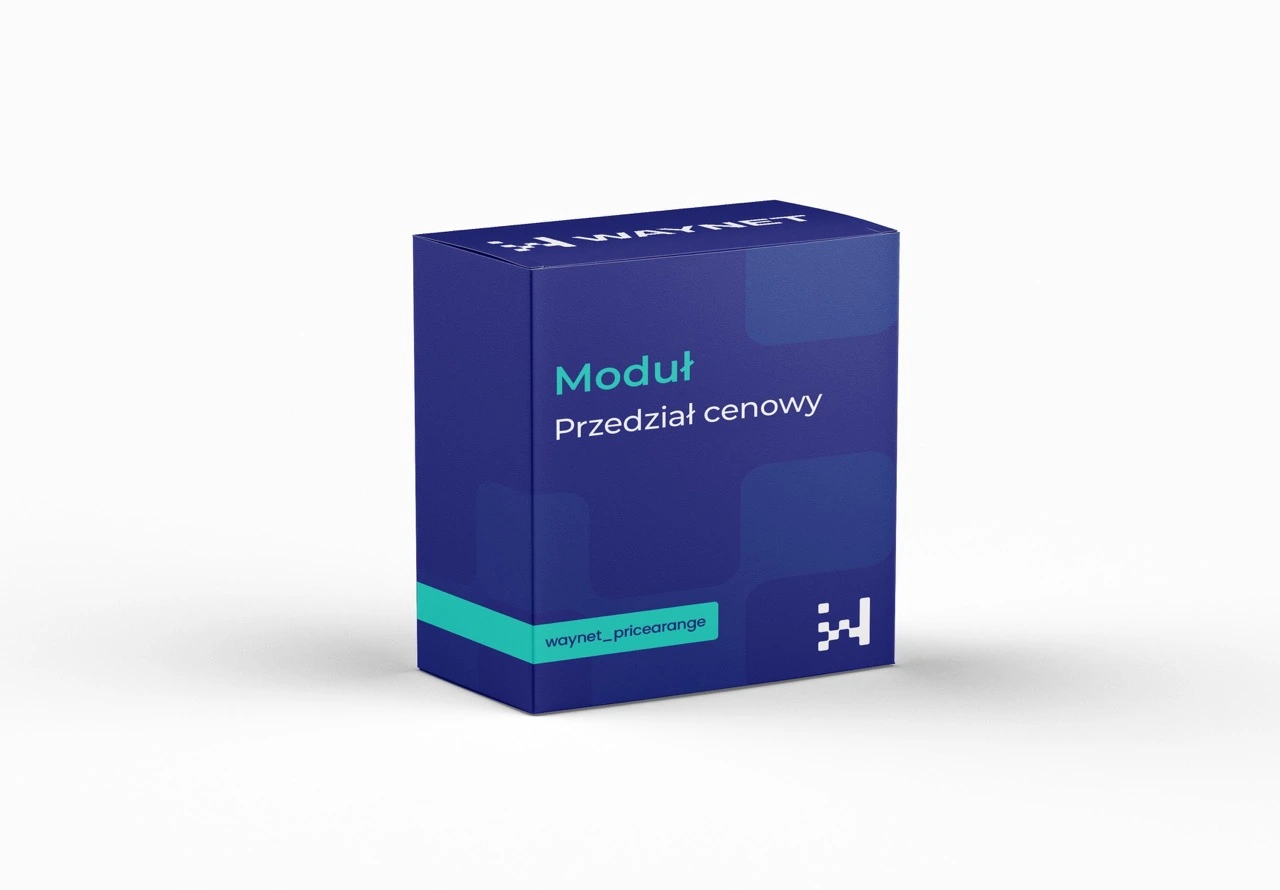
The module displays the product price as a range if individual combinations have different values. Customers immediately know the price bracket of the offer and aren't surprised by a price increase after choosing a variant. It works automatically, without configuration.
Zapytanie o wycenę
Wybrane moduły: wyślemy Ci wycenę w 24h roboczych.
Brak modułów w wycenie.
Dziękujemy! Odezwiemy się z wyceną w 24h roboczych.
Benefits benefits
A price without surprises
The impression of a bait price disappears, because the full range is visible from the first moment.
Fewer abandoned carts
Customers don't give up after the chosen variant turns out to be more expensive than the starting price suggested.
A clear listing
A range visible on the category list lets customers filter out products outside their budget without opening each product page.
Zero configuration
The module finds the lowest and highest price among the available combinations on its own.
A signal of premium versions
A range from one hundred to one hundred and fifty złoty says plainly that there are more expensive variants of the product.
A price surprise costs you the order
A from price is formally honest, but it is often perceived as a promise the product doesn't keep.
A customer who chooses a variant and sees a higher amount experiences a moment of distrust. Even if the difference is small, the feeling that something was left unsaid remains.
Giving the full range straight away removes this problem. The decision to open the product page is then made consciously, and that shows in the number of completed orders.
Practical applications
A larger pack costs more, so the range shows the real spread of prices within one product page.
The same sofa in velour and in leather differs in price, and customers see this without clicking into a configurator.
On the product list, the range helps quickly filter out items outside the budget.
Specification specification
How the range is calculated
- Data sourceThe prices of all available combinations of the product.
- ResultThe lowest and highest value shown as a range.
- UpdatingThe range is recalculated continuously, as combination prices change.
When the module changes nothing
- A product without combinations displays a normal price.
- Combinations with an identical price also show a single value, without a range.
- The module requires no settings after installation.
Meet WayBox

Get in touch to talk about your needs
Book a free presentation and see how easily you can manage your e-commerce. Fill in the form and our team will get back to you to discuss the details and present an offer.
- [email protected]
- +48 794 409 455
Fill in the enquiry form
We reply within 24 working hours.
Error: Contact form not found.