




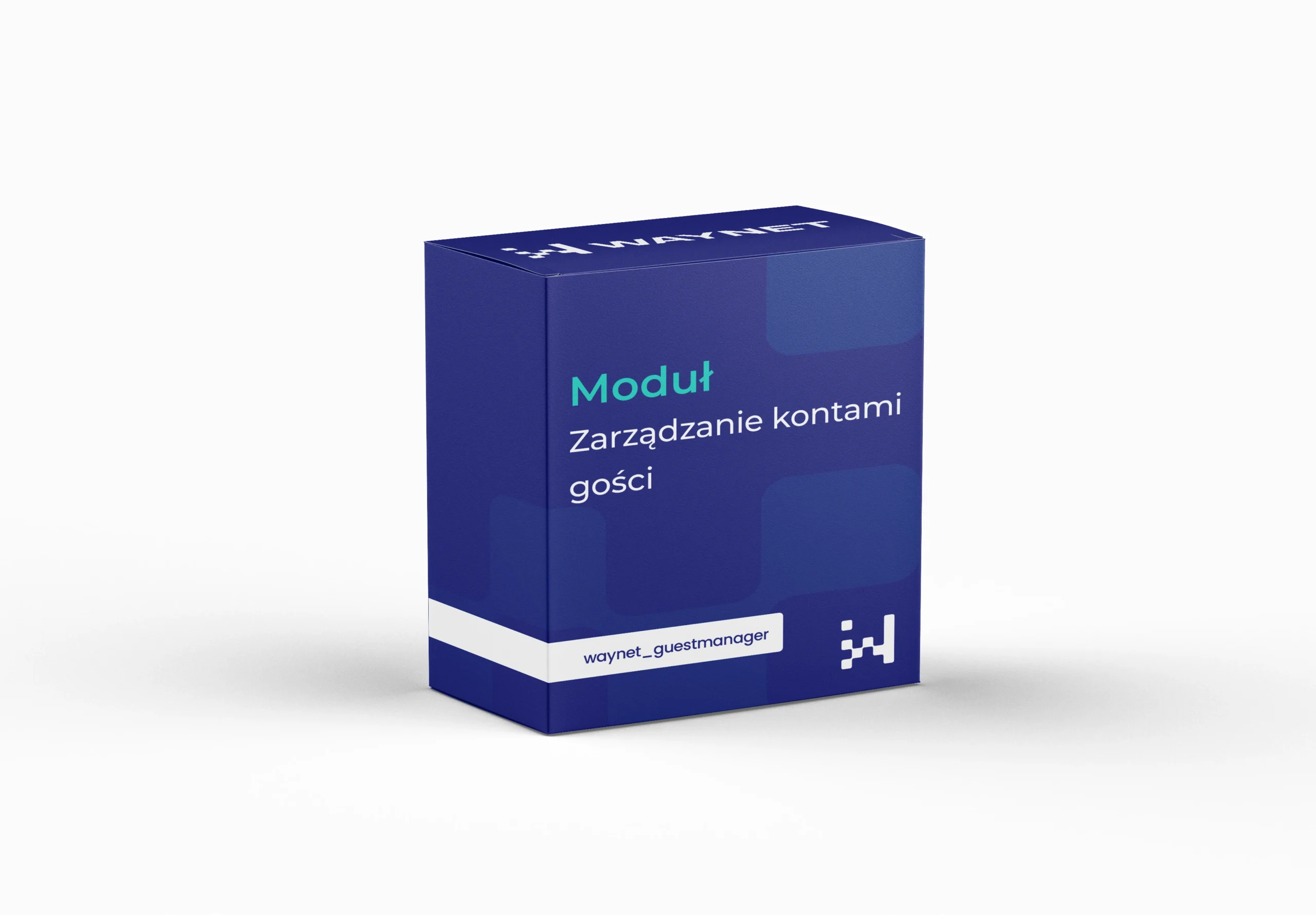
Module Guest Account Management
Fast shopping without logging in, without a mess in the order history
The module organises orders placed by guests and links them to customer accounts. Customers buy without logging in, and the store keeps a consistent purchase history assigned to the email address. Once an account is created, earlier orders can be linked to the profile automatically. It works both in B2C and for quick business orders.
Quote request
Selected modules: we will send you a quote within 24 business hours.
No modules in your quote yet.
Thank you! We will get back to you with a quote within 24 business hours.
Module benefits
Purchase history preserved
Orders placed as a guest are linked to the new account, so the customer sees everything in one place.
A shorter purchase path
The customer places an order without logging in, even if they use an address the store already knows.
Two scenarios at once
The store handles guest purchases and orders from registered customers without compromising on either side.
Fewer obstacles at checkout
Customers don't bounce off a login screen at the last step.
Support for customer service
Orders linked to one email address are in one place, so issues get resolved faster.
Useful in B2B and B2C
From quick private purchases to business orders placed without logging in.
Customer convenience versus orderly data
The customer wants to buy straight away, the store needs a consistent history. Usually one rules out the other.
Forced registration cuts off some orders, because not everyone wants to create an account and remember a password. Shopping without logging in solves this, but leaves loose records in the database that can’t be linked to a customer.
The module takes this choice off the table. Guest orders are saved against the email address, and when the customer creates an account, the history goes to their profile without customer service getting involved.
Practical applications
A customer bought several times as a guest with the same address and is now registering. Earlier orders are linked to the profile and they see the full history straight away.
A new customer places an order in a few steps, and the data is saved against the email address, so nothing is lost when they register later.
Customer service finds all orders linked to one address instead of browsing unassigned records.
Technical specification
Settings in the panel
- Automatic order linkingLinking guest orders to an account after registration with the same email address.
- Manual linking from the back officeThe option for the administrator to assign guest orders to an account.
- Matching criterionThe email address as the key for linking orders to an account.
What it changes in the database
- Guest orders stop being loose records without an owner.
- One email address gathers the whole history, regardless of how the purchase was made.
- The administrator can link orders manually when the automatic process doesn't match them.
Get in touch to talk about your needs
Book a free presentation and see how easily you can manage your e-commerce. Fill in the form and our team will get back to you to discuss the details and present an offer.
- [email protected]
- +48 794 409 455
Fill in the enquiry form
We reply within 24 working hours.