



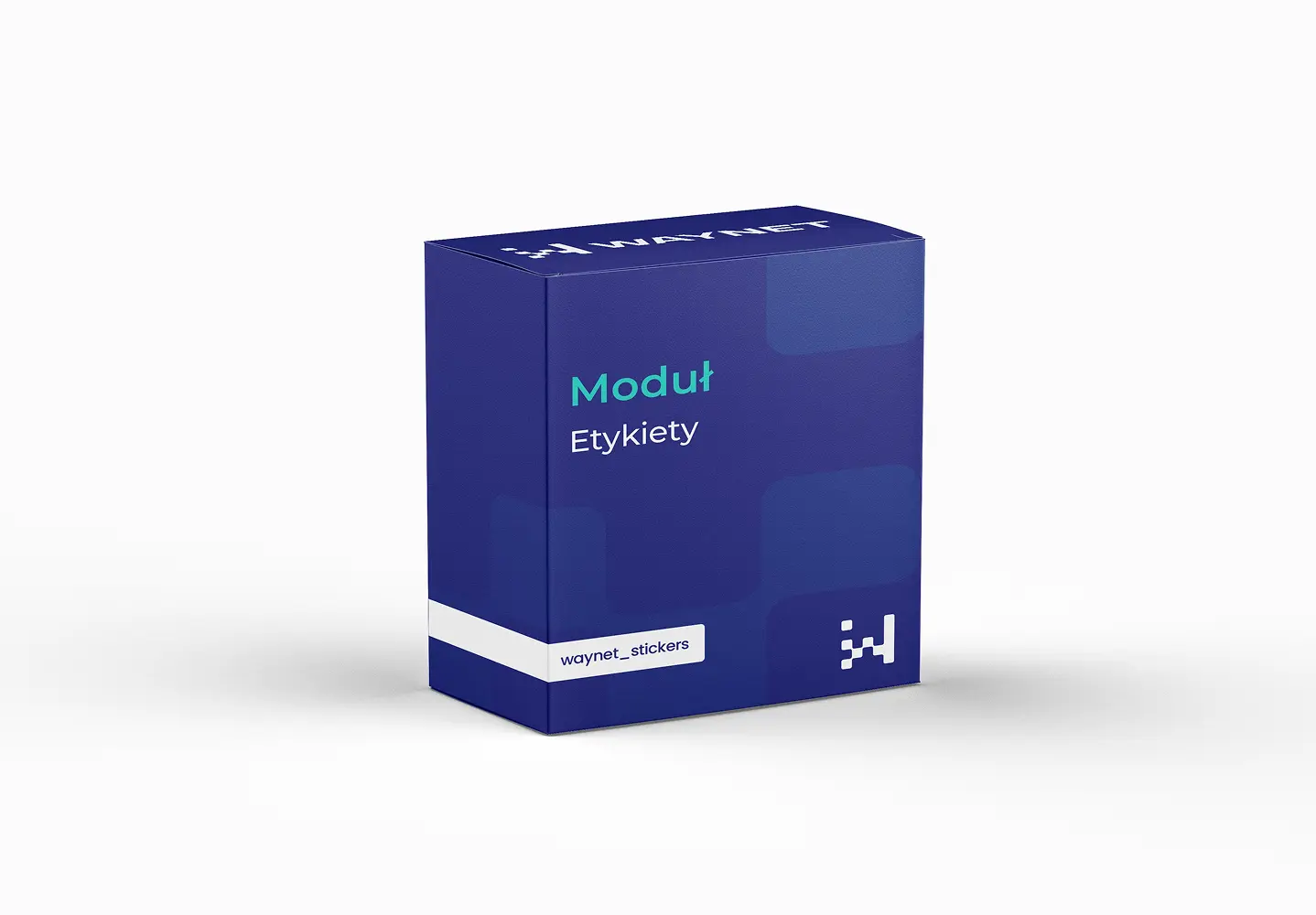
Module Labels
Your own badges on products instead of default markings
Default PrestaShop labels aren't enough to make a product stand out on the listing. The module lets you create your own messages, set their appearance and assign them automatically based on rules. You direct attention where it pays off for you, and products stop looking identical.
Zapytanie o wycenę
Wybrane moduły: wyślemy Ci wycenę w 24h roboczych.
Brak modułów w wycenie.
Dziękujemy! Odezwiemy się z wyceną w 24h roboczych.
Module benefits
A product noticed in a second
Labels such as Collection 2025 or Black Week catch the eye on a listing being scrolled through.
Labels in your brand style
You set the colours, shape and text yourself, so the badges look like part of the store, not an add-on.
Automatic assignment
Rules assign labels by category, price or stock level, without tagging products one by one.
Directing attention
You highlight what you want to sell first: new arrivals, high-margin products or the last few items.
Consistency on the listing and product page
The same label accompanies the product wherever it appears.
The eye picks up colour faster than words
Customers scroll through dozens of products in a few seconds and don't read the names one by one.
At that pace, only the visual signal decides. A colourful badge pulls a product out of a uniform grid and gives it a second of attention that other items don’t get.
The content matters. A label carrying specific information, for example about the last few items or a new collection, influences the decision more than a general promotion tag.
Practical applications
A Black Week label on selected products organises the communication of the whole campaign.
A Collection 2025 label draws attention to fresh stock before the customer scrolls to the bottom of the listing.
A rule based on stock level flags products that are running out on its own.
Technical specification
Creating labels
- Text and appearanceYour own text, background colour and text colour for each label.
- Assignment rulesAutomatic labelling by category, price or stock level.
- Manual assignmentSelecting specific products when a rule doesn't apply.
Rules worth following
- One label per product works best, several at once stop highlighting anything.
- It's worth checking automatic rules after implementation, so they don't label the entire catalogue.
- A label carrying specific information works better than a general promotion tag.
Meet WayBox
Get in touch to talk about your needs
Book a free presentation and see how easily you can manage your e-commerce. Fill in the form and our team will get back to you to discuss the details and present an offer.
- [email protected]
- +48 794 409 455
Fill in the enquiry form
We reply within 24 working hours.