




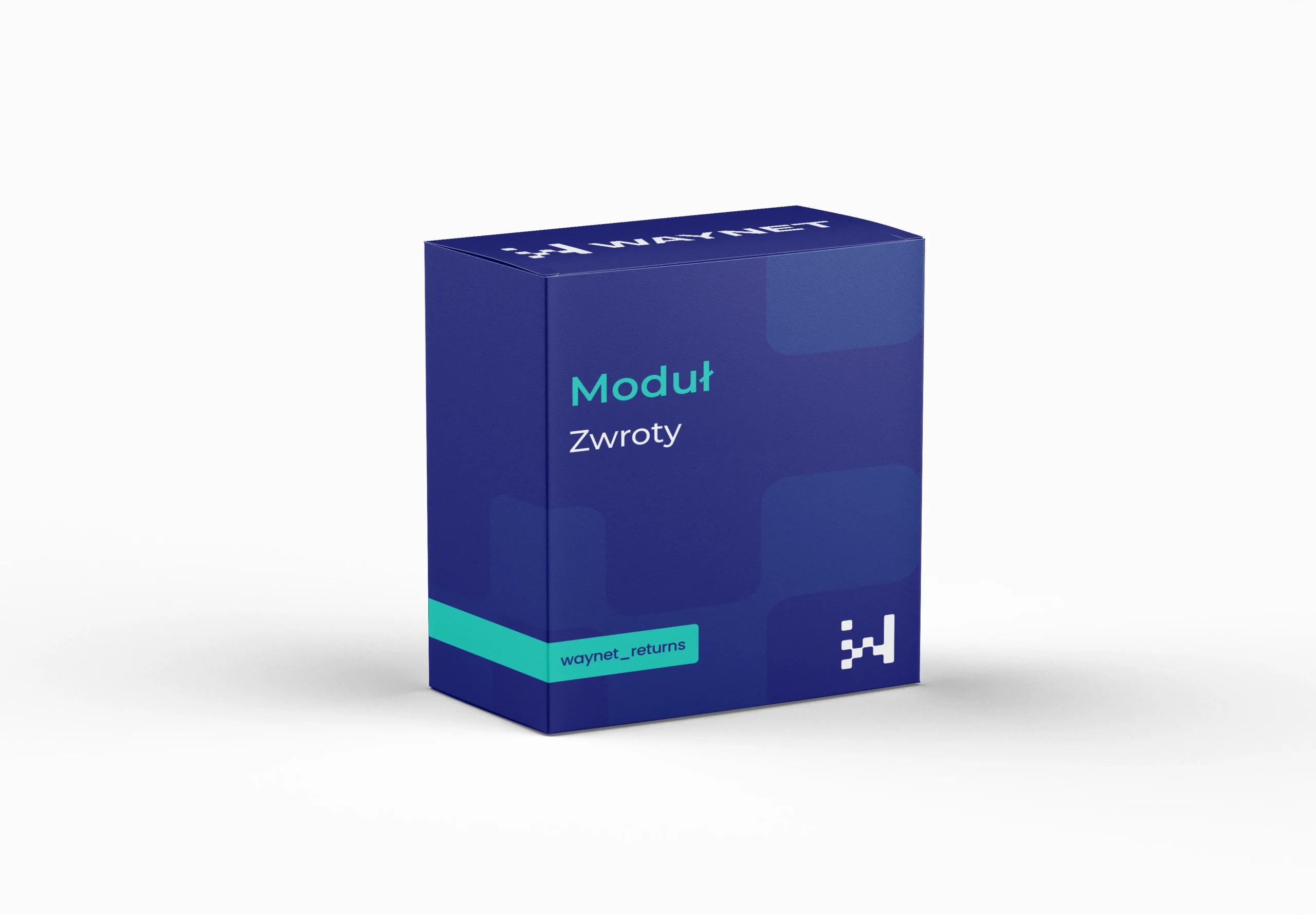
Module Returns
Returns without a cluttered inbox, with a clear process instead of a series of follow-up questions
Customers report a return themselves via an online form. They enter the order number and email address, select products, optionally give a reason and confirm the withdrawal from the contract. The system assigns a return number, shows instructions and sends a summary by email. You have all the data straight away.
Quote request
Selected modules: we will send you a quote within 24 business hours.
No modules in your quote yet.
Thank you! We will get back to you with a quote within 24 business hours.
Module benefits
Support for compliance with EU requirements
The module handles electronic notification of withdrawal from the contract and a return period of at least fourteen days.
Reporting at any time
Customers fill in the form themselves, without contacting customer service to start. The process also begins outside office hours.
Fewer messages to customer service
The system collects the order number, email address, products, quantity and an optional reason at the time of reporting.
Partial returns
Customers select specific items and quantities, so they don't send back the whole order when returning one thing.
Separate paths for payment methods
The module distinguishes between online payment and cash on delivery, and in the latter case asks for a bank account number for the transfer.
Automatic return number
Each request gets a unique ID, so the customer and customer service are talking about the same case.
Clear instructions after reporting
The confirmation screen says plainly how to send the parcel back. The customer doesn't have to call or guess.
Deadline control
Requests after the set limit can be blocked, and you adjust the limit itself in the panel.
An organised process instead of an email exchange
Returns usually start with a message like „I want to return the red one, but I don't remember the order number”.
Such a message triggers a series of follow-up questions on both sides and costs customer service time for every single request.
The module organises the whole withdrawal path. Customers indicate specific products themselves and get clear instructions, and the store gets complete data and a tool that supports the EU requirements for simple, electronic return notification.
Practical applications
Three scenarios that take up the most customer service time.
A customer ordered five products and is returning two. They tick the specific items and quantities, and the system generates a return number covering only those.
There's nowhere to send the money back automatically, so the module recognises the payment method and asks for a bank account number in the form.
Once the set limit is exceeded, the form blocks the request and shows a message, without checking dates manually.
Technical specification
Settings in the panel
- Maximum return periodThe number of days from the order date within which a return can be reported, for example fourteen.
- Blocking late requestsA switch that prevents a request from being submitted once the limit has passed.
- List of return reasonsOptional, predefined reasons for the customer to choose from.
- Return instructions textText shown on the confirmation screen and sent by email.
- Notification addressThe customer service inbox that receives the requests.
How a request works
- The customer enters the order number and email address, and the system checks that the data matches.
- They select products and quantities, optionally give a reason and confirm the withdrawal.
- For cash on delivery, the module asks for a bank account number for the refund.
- The system assigns a return number, shows instructions and sends a summary by email.
- Once the deadline has passed, the request can be blocked with a message.
Get in touch to talk about your needs
Book a free presentation and see how easily you can manage your e-commerce. Fill in the form and our team will get back to you to discuss the details and present an offer.
- [email protected]
- +48 794 409 455
Fill in the enquiry form
We reply within 24 working hours.