




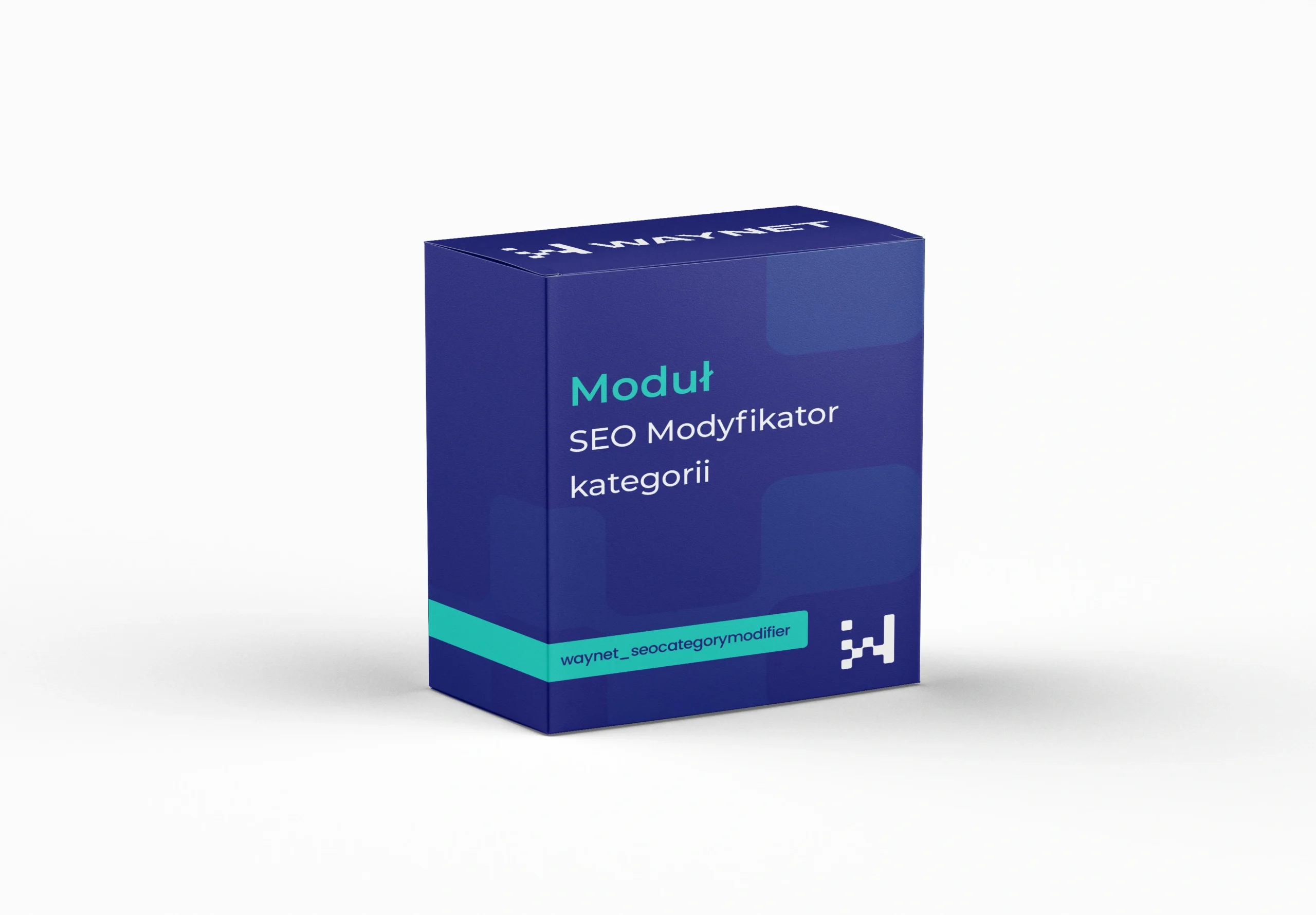
Module Category SEO Modifier
Control over the H1 heading, descriptions and linking on category pages
A standard PrestaShop category gives little room to work on visibility. The module lets you set your own H1 heading, split the description into a part above and below the products, and add links to related categories. Customers get a clear page, and search engines get the content they need.
Quote request
Selected modules: we will send you a quote within 24 business hours.
No modules in your quote yet.
Thank you! We will get back to you with a quote within 24 business hours.
Module benefits
Your own H1 heading
A heading independent of the category name, with the option of adding the page number on subsequent pages.
A description in two parts
A short introduction above the products and extended content below them, instead of a wall of text at the start.
An expandable section
Longer text hidden under a button, so it doesn't overwhelm the customer but remains on the page.
Linking to categories
Links to related categories improve navigation and the link structure.
Work without a developer
You set everything in the panel when editing the category.
A category has to serve two audiences at once
Search engines need content, customers need quick access to products.
Putting a long description above the product list satisfies the first at the expense of the second. Customers scroll through text they didn’t intend to read, and some give up along the way.
Splitting the content resolves the conflict. A short introduction at the top, an extended description below the products, and the heading and linking under the control of the person responsible for visibility.
Practical applications
An extended description below the products builds visibility without spoiling the shopping experience.
The page number in the heading prevents the same title from being repeated on subsequent pages.
Links lead customers to neighbouring product groups and strengthen their position.
Technical specification
Category settings
- H1 headingYour own heading text, optionally with the page number.
- Description above the productsA short introduction visible before the list.
- Description below the productsExtended content, optionally in an expandable section.
- Links to categoriesA list of related categories shown on the page.
Rules worth following
- No more than a few sentences above the products, the rest of the content below the list.
- The H1 heading should match what the customer is actually looking for.
- Links to categories only make sense when they are topically close.
Meet WayBox
Get in touch to talk about your needs
Book a free presentation and see how easily you can manage your e-commerce. Fill in the form and our team will get back to you to discuss the details and present an offer.
- [email protected]
- +48 794 409 455
Fill in the enquiry form
We reply within 24 working hours.